Unaric Voice
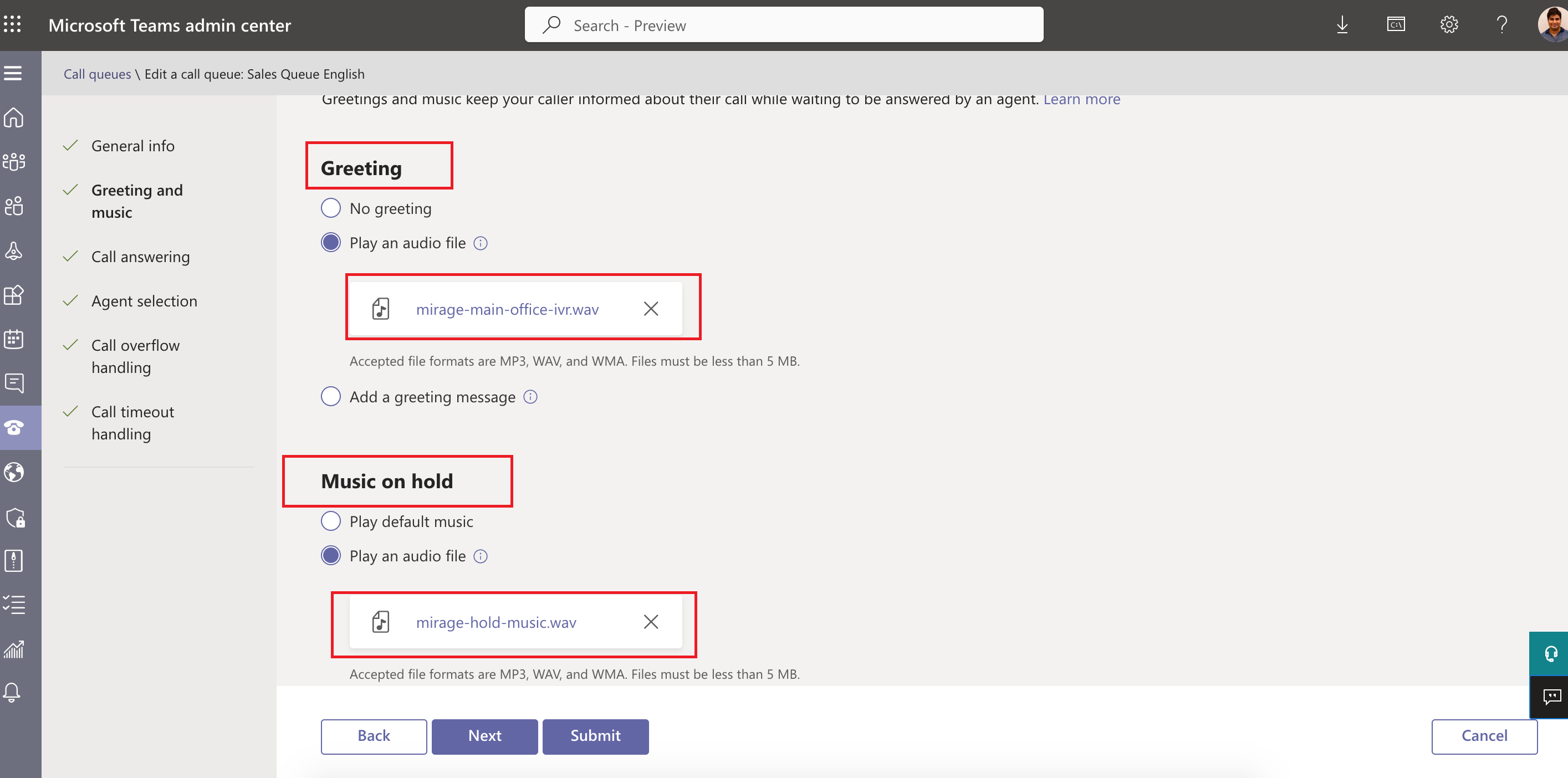
All audio files, e.g, for greeting and music on hold, must be converted to Wave file (.wav) format, single-channel, 16-bit samples with a 16,000 (16KHz) sampling rate. The conversion is not required for IVR.
Step 1 - Convert audio file
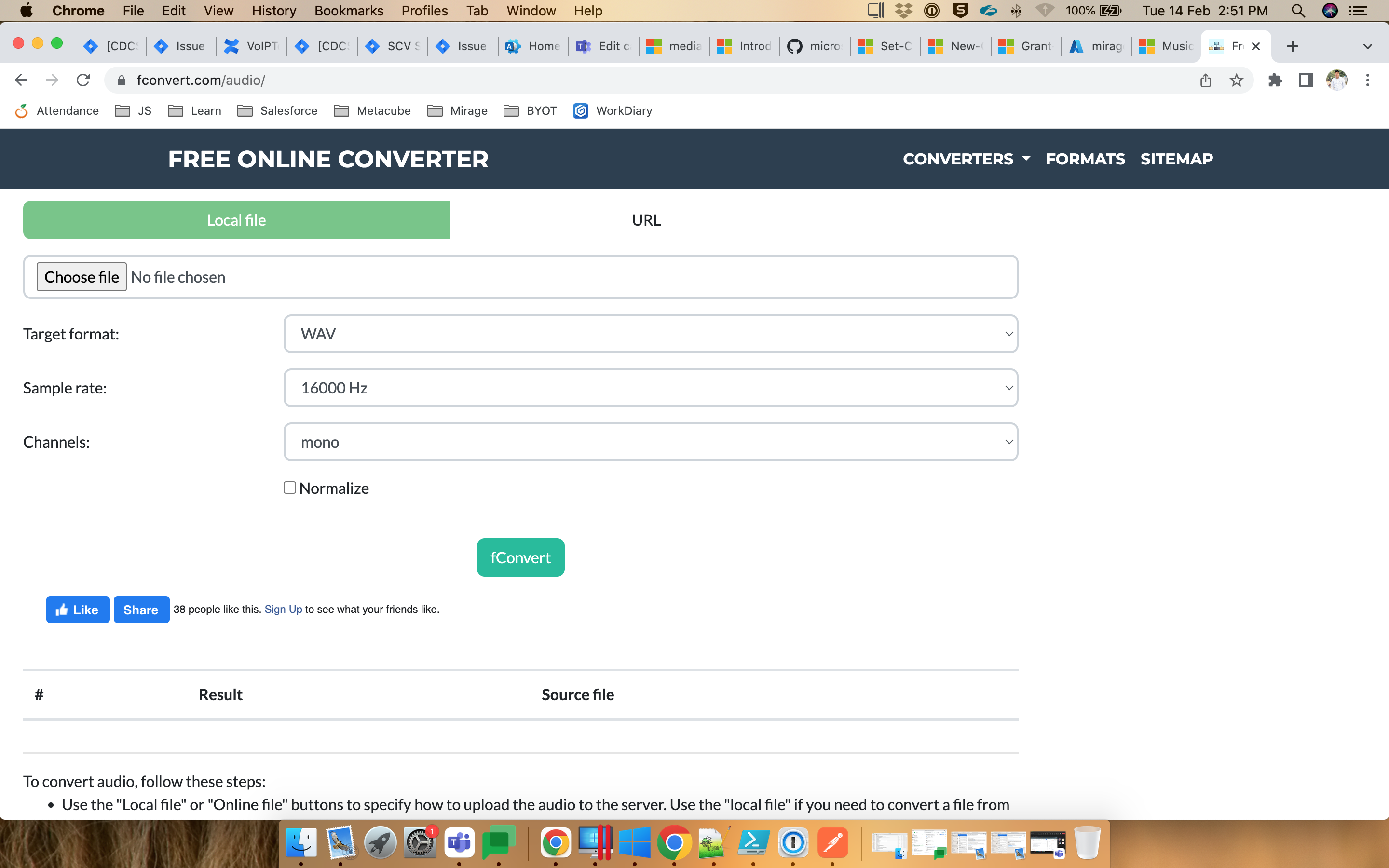
Convert the audio file you use for greetings or music on hold using an file converter like https://fconvert.com/audio/ with the following parameters:
•Target: WAV
•Sample rate: 16000 Hz
•Channels: mono
Step 2 - Upload audio file to Azure
•Login into Azure portal https://portal.azure.com/
•Search Storage Account
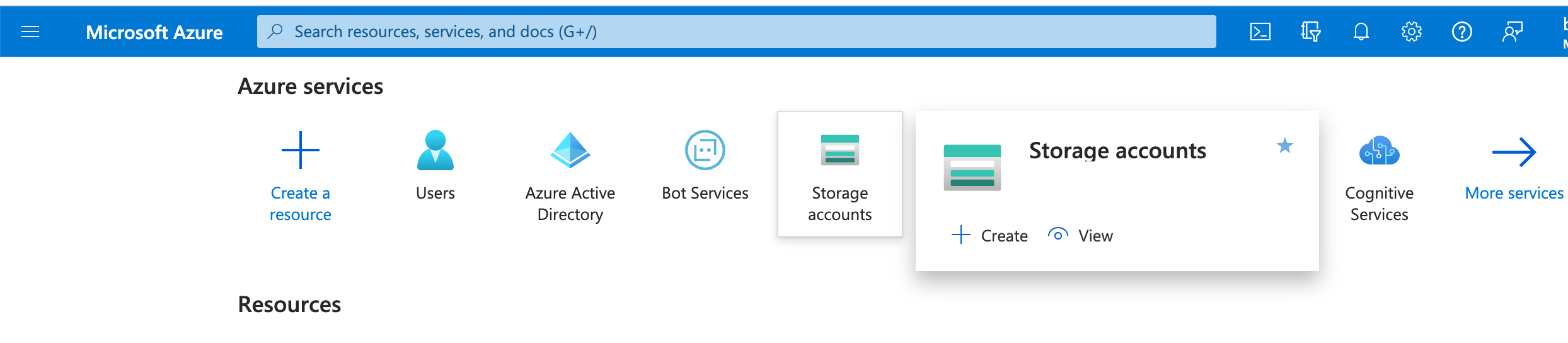
•Select the Storage Account
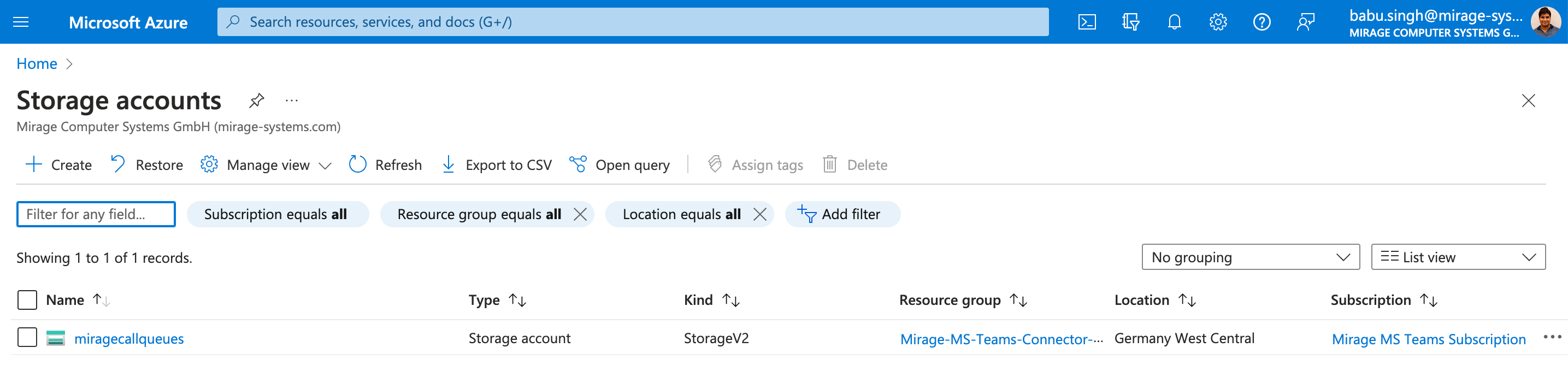
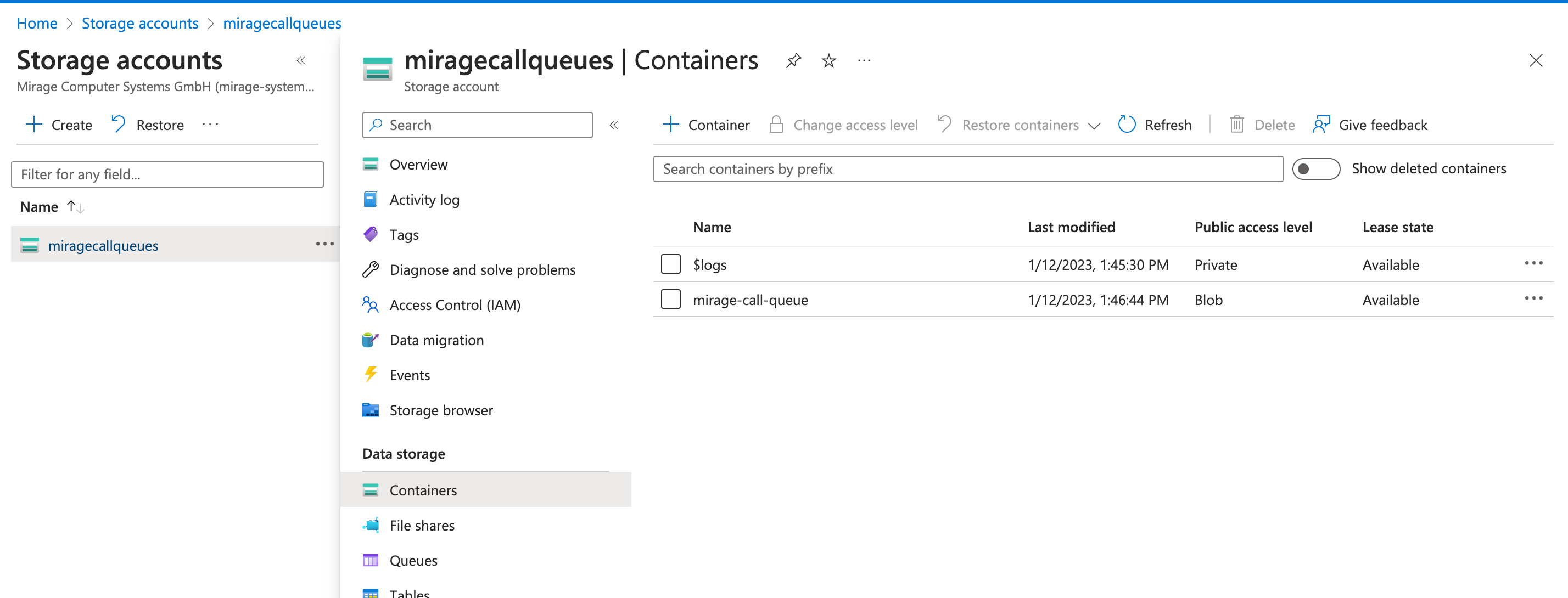
•Go to Containers in the left menu. Click on container name
•Click on upload button at top and upload the converted file (step 1)
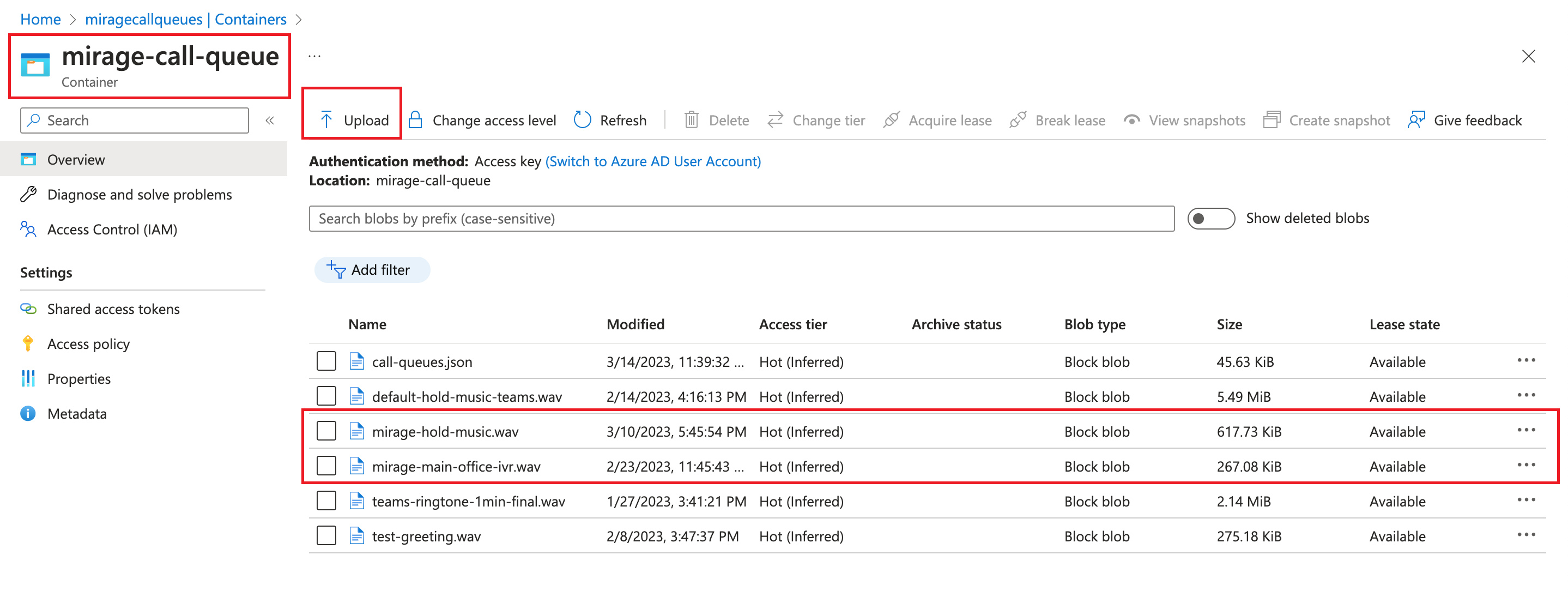
The name of the file must be exactly the same as the name used in MS Teams Call Queue setup