All-In-One Protector 8
If you want to offer a single user installation (e.g. install from CD to the hard disk) then use the file setup.exe.
The installer performs the following tasks:
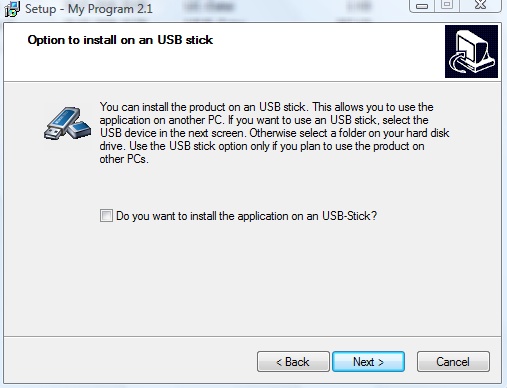
•If USB stick support is define (use-usb= true), then the user is asked if he want to install the files on a USB stick
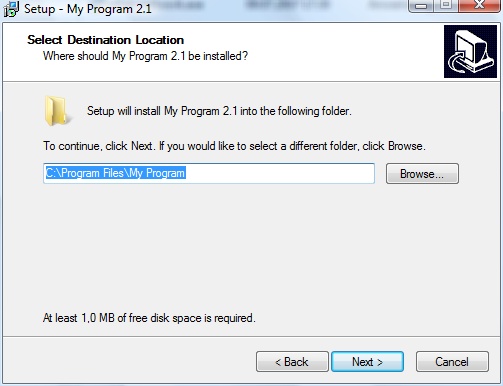
•Asks for an installation directory
•Copies all files to a specified directory - if an file already exists, the file is replaced
•Adds the necessary user rights to the specified directory
•Copies the player, database (.AIPFILE) file and the license file to the specified directory, including an icon file
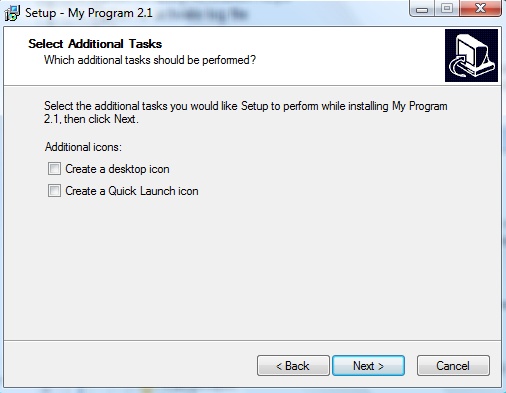
•If selected, places an icon on the desktop
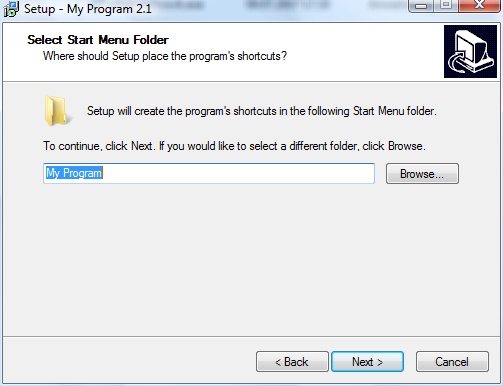
•Adds a program manager group and an entry within the program manager group to start the All-In-One Player
•Adds uninstall information
•Starts the application after installation
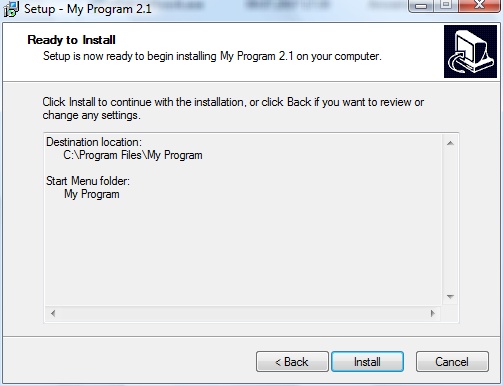
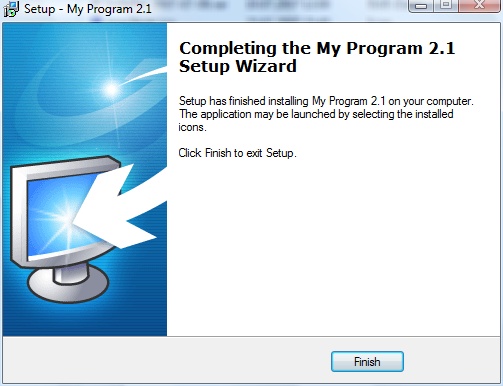
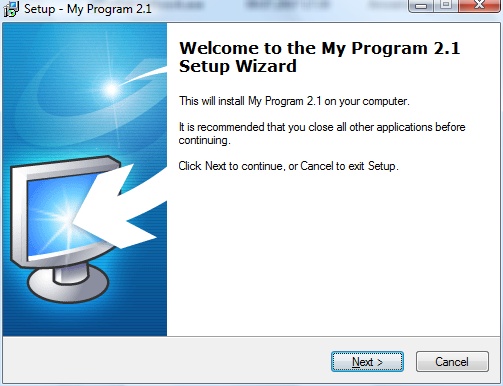
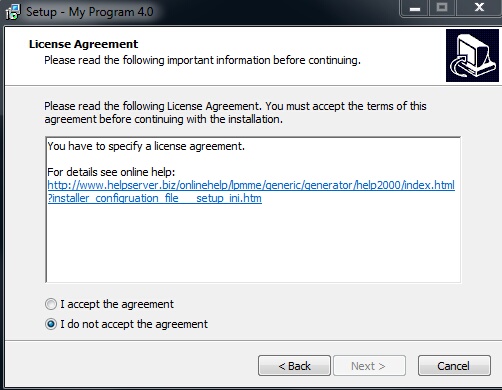
Screens of the installer
Below find the screens which appear during installation.
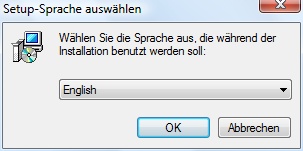
Only if USB flash drive support is defined