
Unaric Voice
To view all users of this configuration, click on the TAB Related.
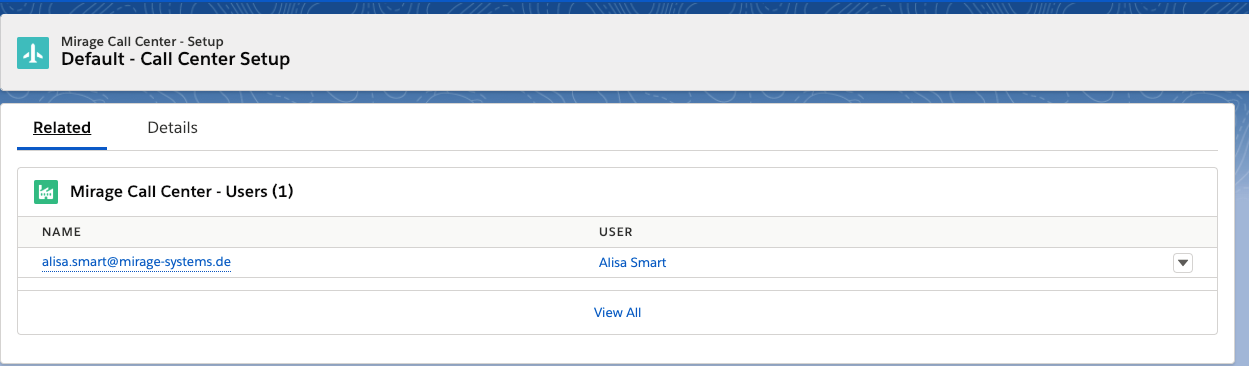
Add a user
To add a user to a Call Center Configuration, click on the button: New
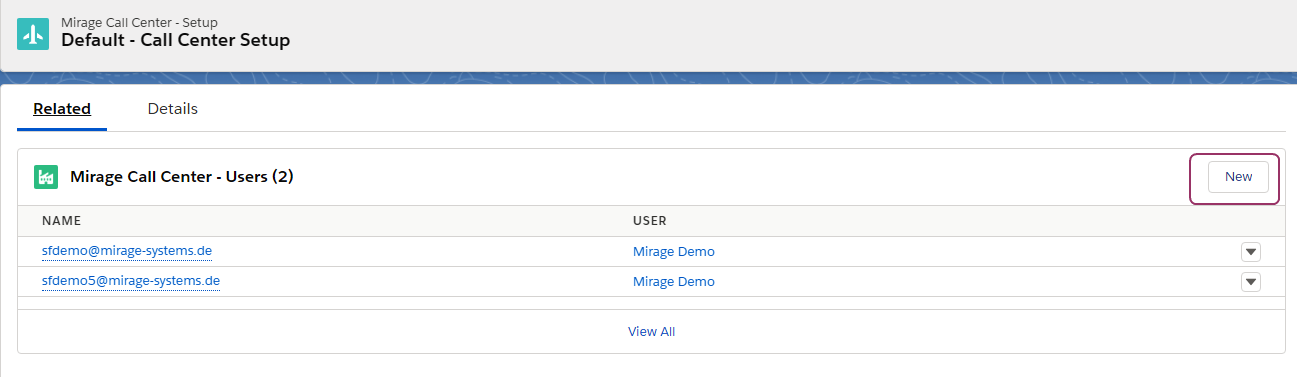
Add new user
The user screen allows you to search for Salesforce users, optionally filter to show only users who are not yet assigned to a call center configuration, and allocate the appropriate licenses for each Unaric product.
At the bottom, a license overview shows how many licenses are available and how many are already in use.
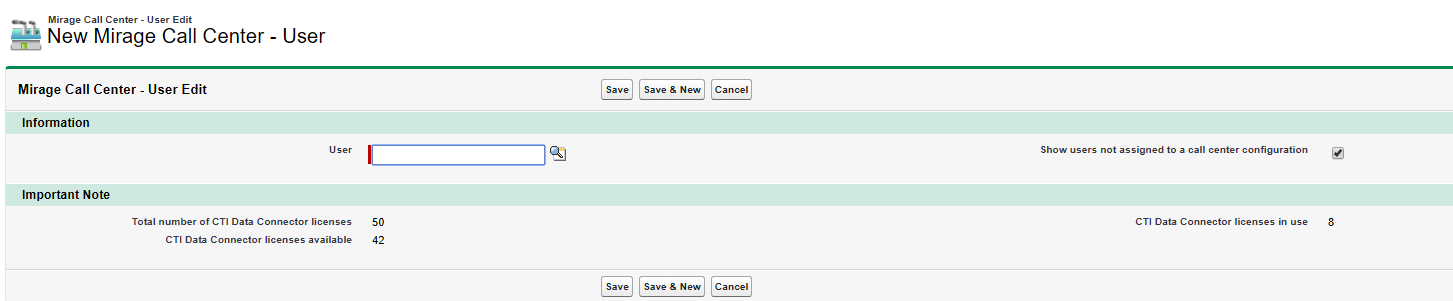
Click on the search icon. Only active users and users not assigned to another call center configuration (if the option is ticked: Show users not assigned to a call center configuration) are listed.
With the button: Save & New you can add multiple users.
Remove a user
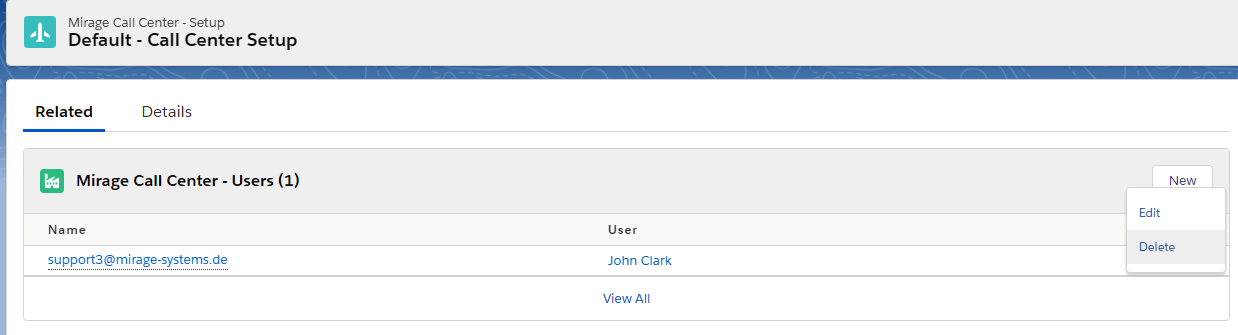
To remove an existing from the Call Center Configuration, select the user, click on the arrow and select Delete

•If you want to assign the user to a different call center, uncheck the option: Show users not assigned to a call center configuration before searching
•You can also delete a user from the call center configuration. The license is then available again
•If an administrator user is deleted from the call center configuration, the license is still in use. Otherwise the administrator could not do any configuration.
•If it is a site license (e.g. in a Sandbox) the number of users is shown as 9999
See also Available Call Center Configurations for a user

