
Unaric Voice
To improve data quality in Salesforce and prevent unnecessary contact creation, the Web Meeting integration uses domain-based matching for MS Teams meeting attendees.
You can control this behavior through the new Public Domains object.
For domains in the Public Domains list, no Salesforce Account will be created for meeting attendees using these email addresses.
Note: A default list of common public email domains (for example gmail.com, outlook.com, gmx.de) is included and pre-configured. Administrators can extend or modify this list at any time.
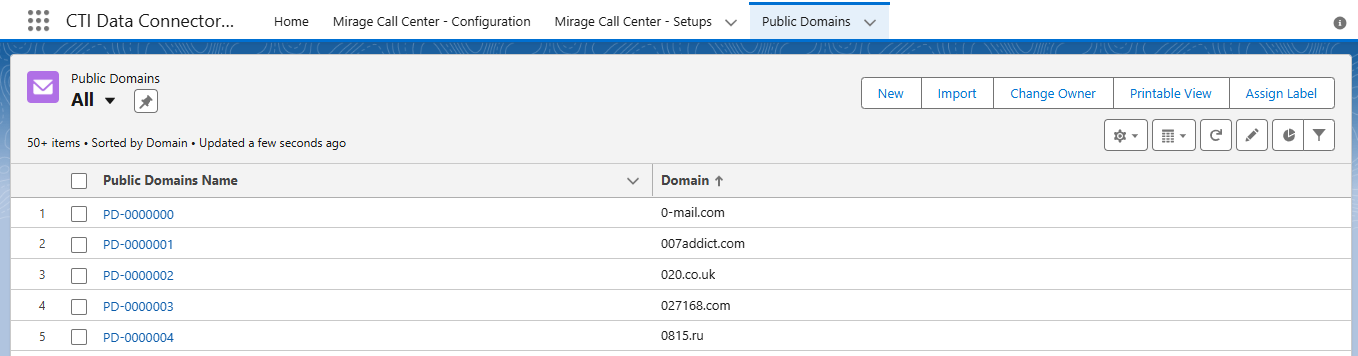
How to use the domain management
•Maintain the Public Domains List
Salesforce checks each attendee’s email domain against the Public Domains object.
oAdd new public email domains manually
oOr import large domain lists using the import wizard incl. mapping.
This ensures that attendees with public email addresses (for example gmx.de, gmail.com, outlook.com) are not automatically created as new Contacts.
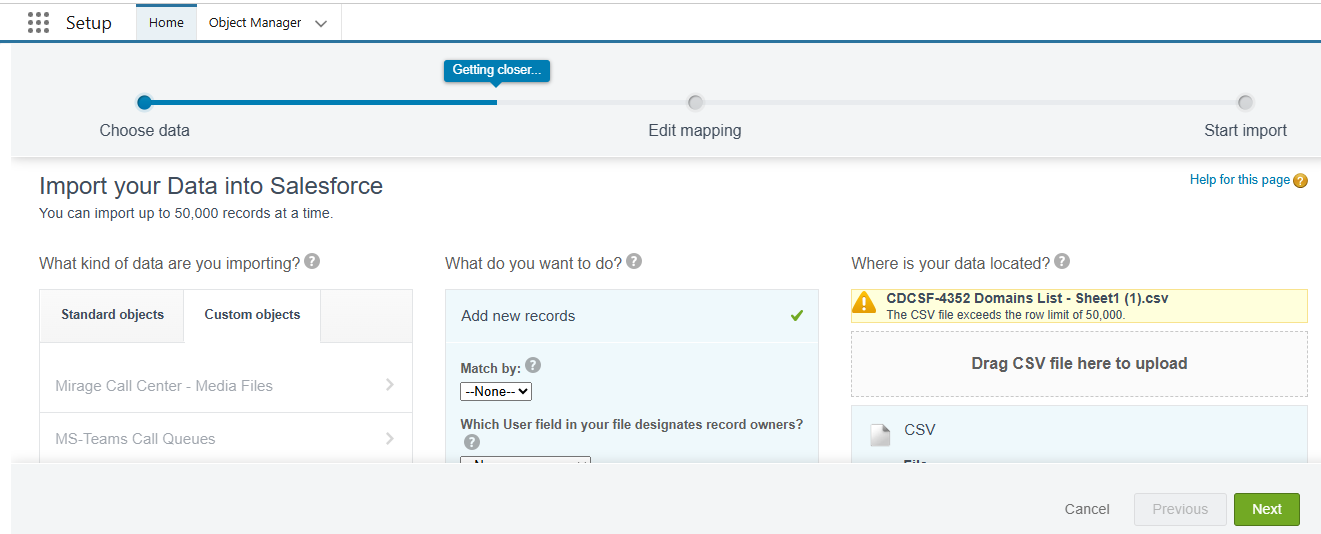
•Domain-Based Matching for Accurate Contact Creation
Users with company domains are matched to existing accounts whenever possible.
If no matching Contact exists, the system creates one according to the new logic which reduces duplicates and ensures correct account assignment.
•Smarter Processing of Meeting Participants
The enhanced logic evaluates invitees, attendees, and organizers in a prioritized order, ensuring Salesforce links the right people to the right records while avoiding unnecessary noise in CRM data.

