
Unaric Voice
Understand what’s being said – in real time, directly in Salesforce.
With Live Transcription, you can read along during an active MS Teams call without leaving the Salesforce window.
How to open Live Transcription
Live Transcription is available as its own item in the utility bar:
•Click “MS-Teams Transcription”.
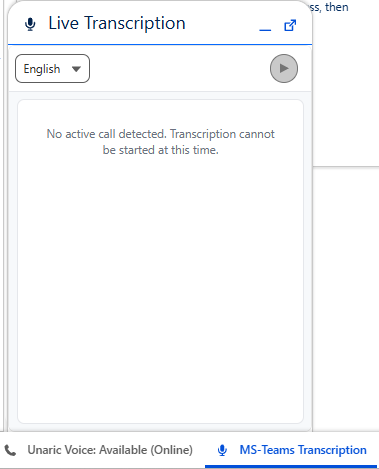
The panel will open as a small window inside Salesforce:
When does transcription become active?
Before the call
•A message indicates that no active call is detected.
•The Start button is disabled.
As soon as a call is active
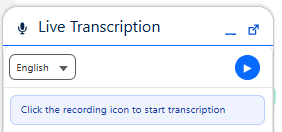
•The Start button becomes available:
How to start Live Transcription
Click the blue Start button.
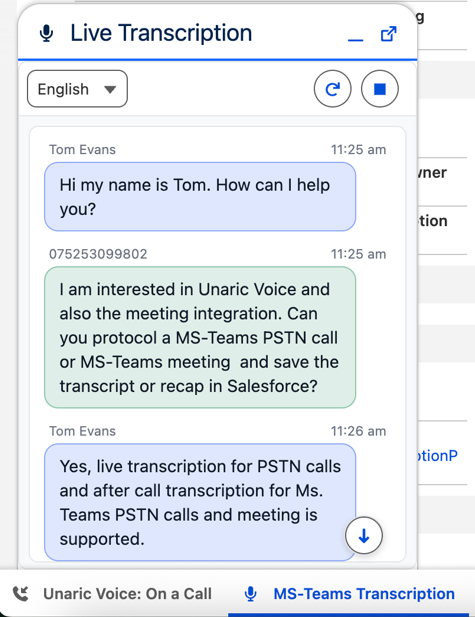
•Transcription begins immediately.
•Spoken words are converted to text in real time.
Click again to pause or resume.
Guidance for using and refreshing the live transcription
Avoid switching between tabs while transcription is running.
If the transcription display becomes outdated in these situations, you can refresh it using the Refresh button:

Switching languages
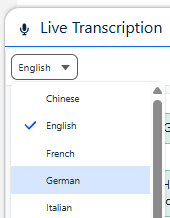
•Use the dropdown at the top to select your preferred language at any time.
•Your selected language is remembered for your next session.
Reading and scrolling transcription
•New messages always appear at the bottom.
•If you scroll up, auto-scroll pauses.
•Use the downward arrow to return to the live view.
After the call
•Once the call ends, the transcription in the panel is cleared.
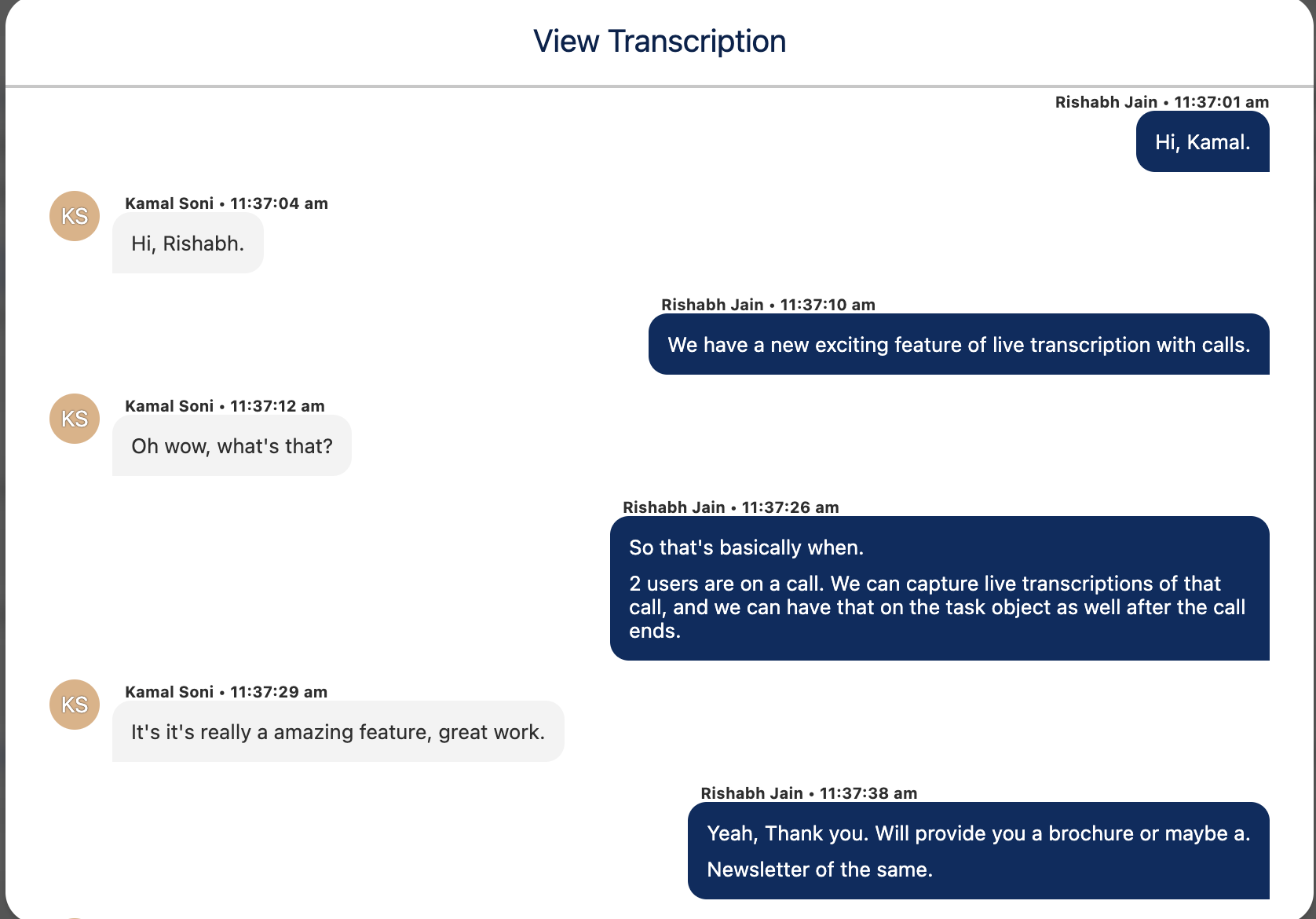
•If configured by the admin, the transcription can be accessed again in the Salesforce Task created for the call:
Notes
•If you reload your browser tab:
oThe tool reconnects automatically.
oPrevious transcriptions are restored.
oNew transcriptions continue to appear live.
•If you see the message “License missing or live transcription disabled for this user”, please contact your administrator.
•Live Transcription only works during active MS Teams PSTN calls.

