
All-In-One Protector 8
If an error occurs during uploading of the files, check:
•Check your hosting ID and your password - see screen Hosting Settings or Own Server Settings
•Is Online Activation selected in the screen Options Activation
•Do you have a firewall enabled? - Disable the firewall and try again
•Do you have an antivirus software installed? - Disable the antivirus software and try again
•If you are using an own server check your FTP server settings
If you are using a MAC computer in combination with Parallels change the following configuration setting:
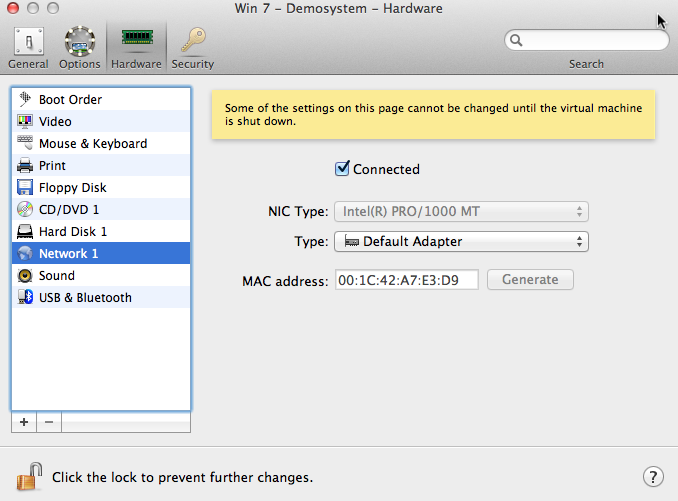
Parallels - configure network adapter
If the upload still generates an error, upload the files manually - see chapter Manually Upload Files.

