|
|


Slide Menu in and out |

|

|

|

|
||
|
Slide Menu in and out |
|
|
|

|

|
Slide Menu in and out
|
|
|
Slide Menu in and out |
|
|
|
|
||
|
Slide Menu in and out |
|
|
|
|
|
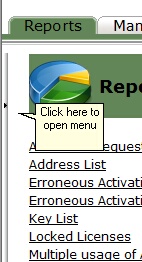
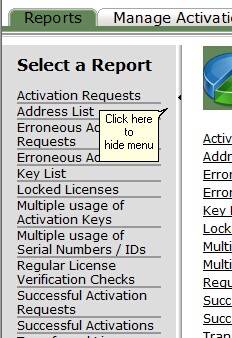
The Activation Server provides a smart way to hide menus which allows to have more data displayed on a screen - the Slide Menu. By selecting > you can slide out a menu and with < you can hide the menu. This Slide Menu is available in Reports, Manage Activations and Administration / Setup section.
Menu is hidden |
Menu is visible |
||
|
|