|
|


Softphone Layout |

|

|

|

|
||
Softphone Layout |
|
|
|

|

|
|
|
Softphone Layout |
|
|
|
|
||
Softphone Layout |
|
|
|
|
|
|
|
||
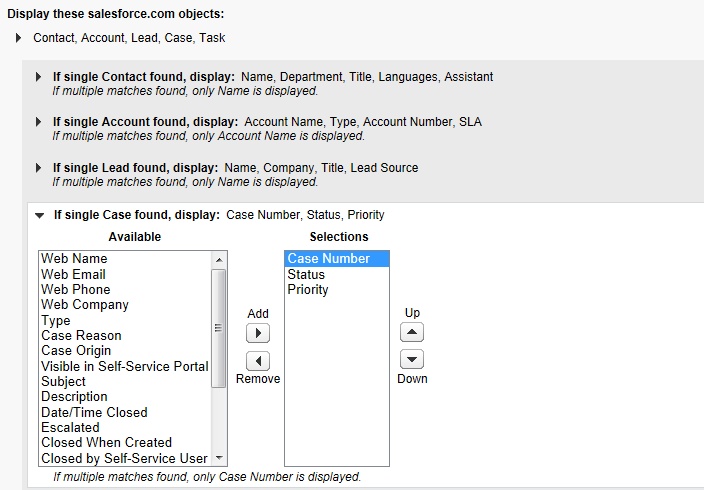
You can define, which fields should be displayed on the SoftPhone. This definition can be done with different settings for internal, inbound and outbound calls. You can not only display the name of the caller but also information like VIP status, turnover, service level agreement, language or other information.
Select: Setup > AppSetup > Customize > Call Center > SoftPhone Layouts
If you want to work with cases and assign a call to a case, you have to add the Case object for incoming and outgoing calls in the SoftPhone Layout.
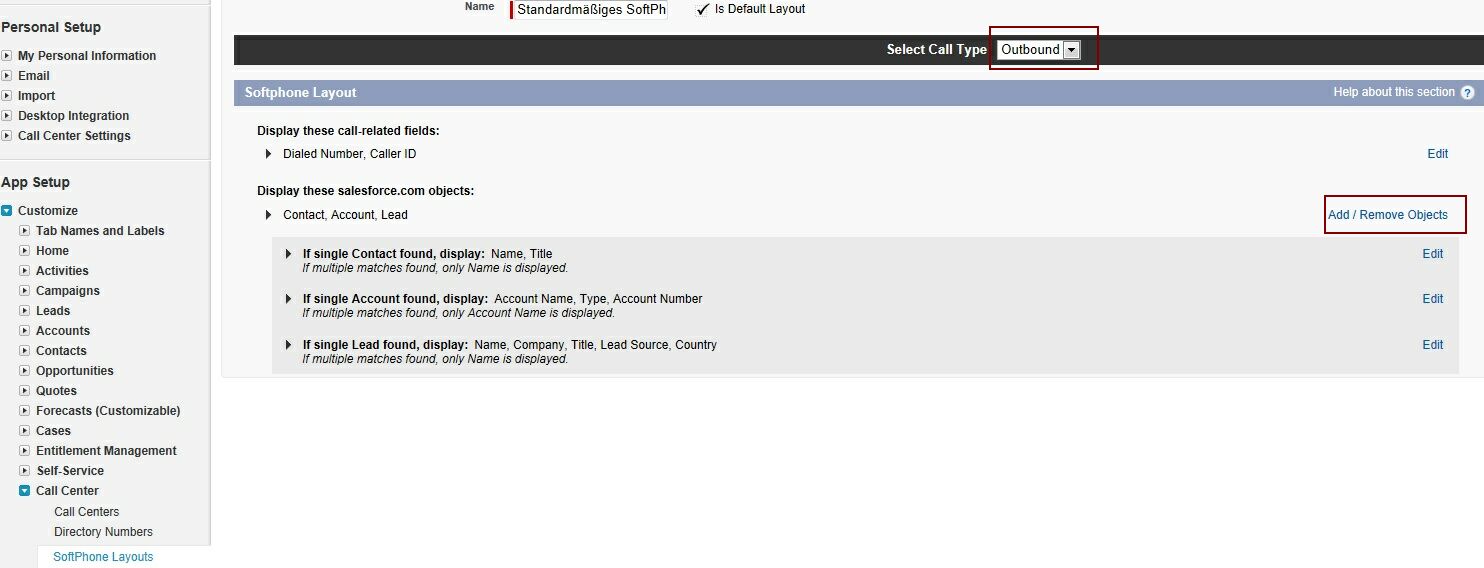
Click on: Add / Remove Objects and select the Case object. Then ensure that the Case Number is displayed in the SoftPhone.